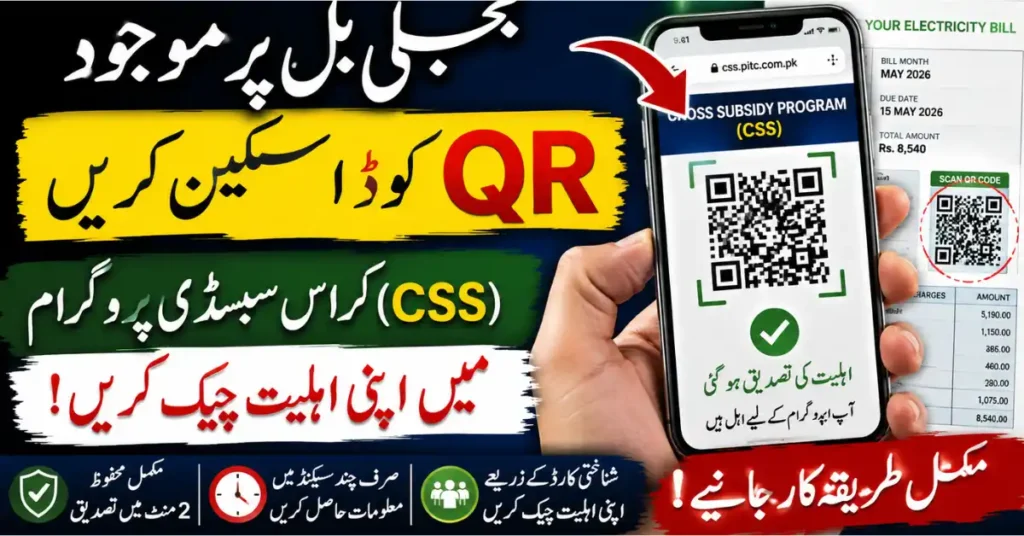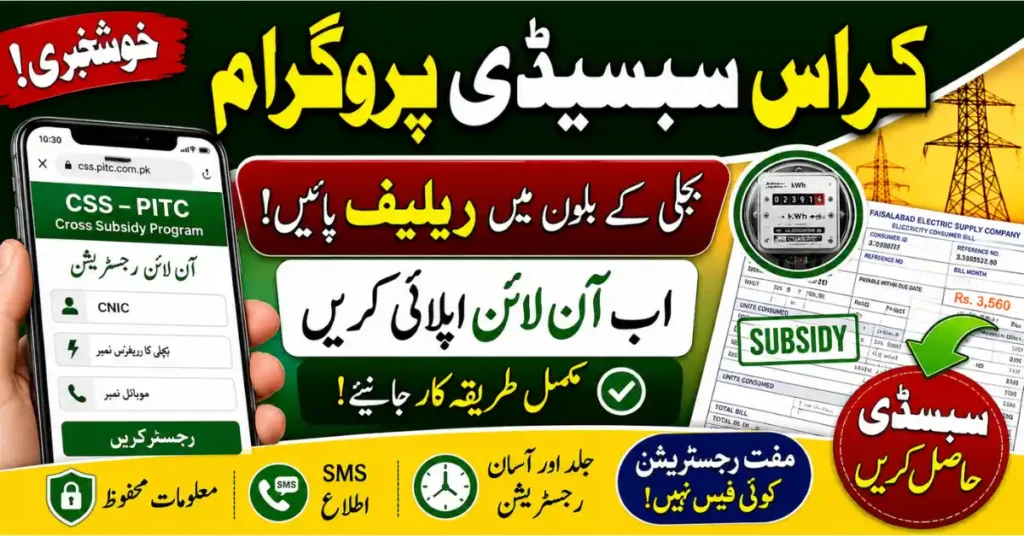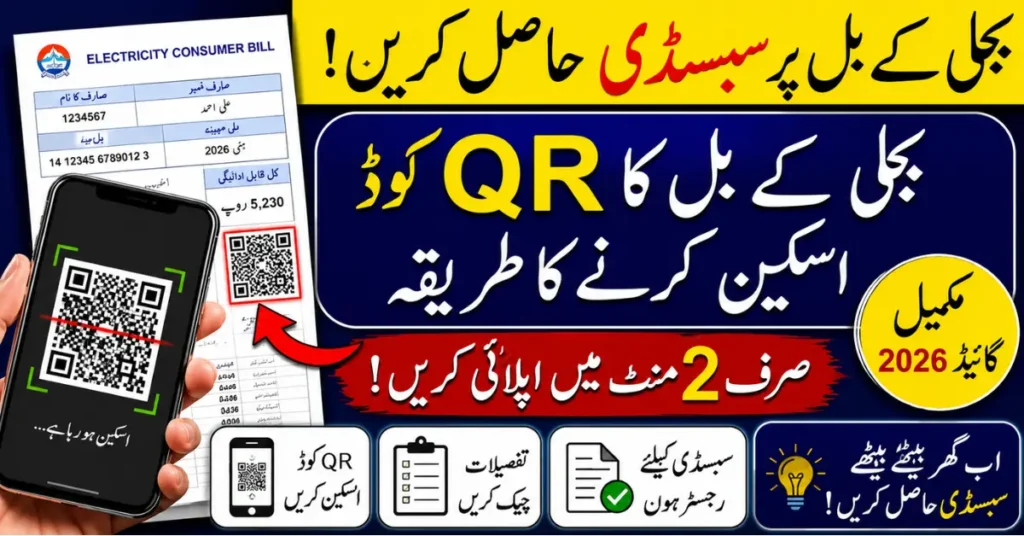

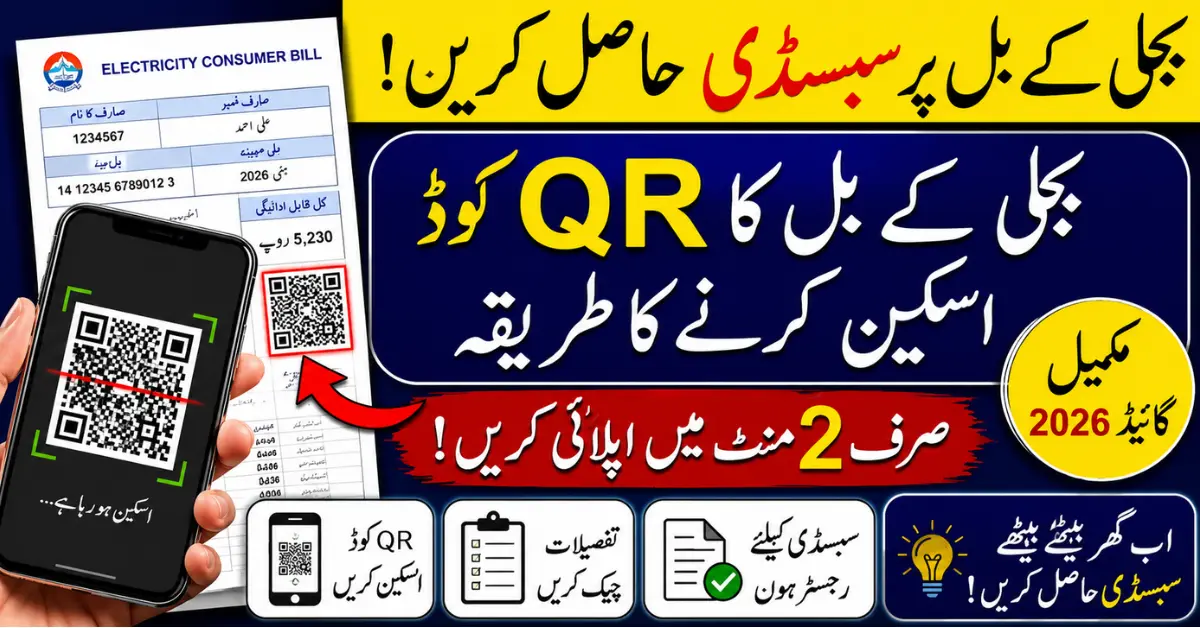
Many families in Pakistan are looking for simple ways to apply for electricity bill relief. One easy method is learning how to scan electricity bill details through the QR code printed on the bill. This digital method helps consumers open the correct online page, verify bill information, and complete subsidy registration without visiting an office.
Electricity companies and support programs are moving toward online systems because they reduce mistakes and save time. Instead of typing long reference numbers again and again, a user can scan the code and reach the required page within seconds.
Why Scan Electricity Bill QR Code for Subsidy?
The main purpose of the QR code is to make bill verification faster and easier. Many people make errors while entering long reference numbers manually. A small typing mistake can delay the process or show the wrong bill record.
When you scan electricity bill QR code, the system may directly open the related bill information or service page. This helps you check details quickly and continue the registration process with more confidence.
It is also useful for people who are not comfortable searching websites manually. A QR code takes them straight to the right place, which makes the online process much easier.
What Is a QR Code on an Electricity Bill?
A QR code is a square-shaped black-and-white code printed on many modern electricity bills. It stores a digital link or bill-related information.

Where You Can Find It
You can usually find the QR code near the consumer information section, payment details, reference number area, or top part of the bill. Its location may be different depending on your electricity company.
What It Can Open

After scanning, the QR code may open a bill verification page, electricity company service page, payment page, consumer record page, or subsidy registration portal if that service is available.
Things You Need Before Scanning
Before you start, keep a few things ready.
You need a smartphone with a working camera. Most new Android and iPhone devices can scan QR codes directly from the camera app.

You should also use your latest electricity bill. Old bills may have outdated details, so the latest bill is always better for registration or verification.
A stable internet connection is also important. If your mobile data or Wi-Fi is weak, the code may scan, but the page may not load properly.
Keep your CNIC number and active mobile number ready because many subsidy or verification forms ask for these details.
How to Scan Electricity Bill for Subsidy Registration
The process is simple and can be done at home.
Step 1: Find the QR Code
Take your latest electricity bill and look for the QR code. Make sure the bill is not folded, torn, or damaged around the code area.

Step 2: Open Your Phone Camera
Open the camera app on your mobile phone. Point the camera toward the QR code and keep your hand steady.
Step 3: Tap the Link
After a few seconds, your phone may show a link or notification. Tap on it. Your browser will open the related page.
Step 4: Check the Page Carefully
Before entering your details, make sure the page looks relevant to your electricity company or official service. Do not enter CNIC or personal information on suspicious websites.
Step 5: Enter Required Information
The form may ask for your bill reference number, CNIC, mobile number, consumer name, or household details. Enter everything correctly.
Step 6: Submit and Save Proof
After submitting the form, save any confirmation message, tracking number, or screenshot. This can help you check your application status later.

What If the QR Code Does Not Scan?
Sometimes the QR code does not work on the first try. This does not always mean the bill is invalid.
Check Lighting and Camera
Use bright light and clean your camera lens. A blurry camera often fails to read the QR code.
Keep the Phone Steady
Do not move your phone too much. Hold it still and keep the full QR code inside the camera frame.
Use a QR Scanner App
If your phone camera does not support QR scanning, you can use a trusted QR scanner app from the official app store.
Use Manual Entry
If scanning still fails, many systems allow manual registration through the electricity bill reference number and CNIC.

Common Mistakes to Avoid
Many people face problems because they use an old bill, enter the wrong reference number, use someone else’s CNIC, or open unofficial links shared on social media.
Always use your own correct details. Do not share your CNIC, OTP, or personal information with unknown people. If a website asks for unusual payment or private banking details, stop and verify the source first.
Benefits of Scanning Electricity Bill
The biggest benefit is speed. You can open the required page without searching manually.
It also reduces typing mistakes and makes the process easier for ordinary users. People can complete basic verification from home using only a mobile phone.
For subsidy programs, this method can help applicants reach the correct digital system quickly and submit details in a more organized way.
Final Thoughts
Learning how to scan electricity bill QR code is useful for anyone applying for electricity subsidy, bill verification, or online consumer services. The process is simple: use your latest bill, scan the QR code with your phone, open the link, and enter the required details carefully.
Before submitting any information, always make sure the page is safe and relevant. A correct and careful process can save time, reduce errors, and make subsidy registration easier for households in 2026.